
Microsoft 365 AI Agents: What IT Leaders Need to Know in 2026
Learn how Microsoft 365 AI agents, Work IQ, Copilot Cowork, and Agent 365 change enterprise work, security, governance, and AI adoption.
Key Takeaways
- Microsoft is shifting Microsoft 365 from AI assistance toward agents that can plan, act, and complete multi-step work.
- Digital labor expands productivity potential, but it also expands identity, permission, data access, compliance, and cost-management responsibilities.
- Work IQ provides organizational context, while Copilot Cowork supports longer-running work and Agent 365 provides enterprise governance and visibility.
- Agent governance should begin before autonomous workflows scale, especially for regulated, distributed, or resource-constrained organizations.
- IT leaders should start with bounded, measurable use cases and expand autonomy only after validating security, permissions, business value, and human oversight.
Microsoft 365 AI agents are changing enterprise AI from a tool that answers questions into a system that can increasingly perform work. For IT leaders, that shift toward digital labor creates opportunities to automate multi-step processes, but it also introduces new requirements for identity, data access, security, governance, cost control, and human oversight.
Microsoft describes digital labor as a new layer of work in which agents can monitor systems, react to triggers, coordinate tasks, and escalate decisions when human judgment is required.
What Are Microsoft 365 AI Agents?
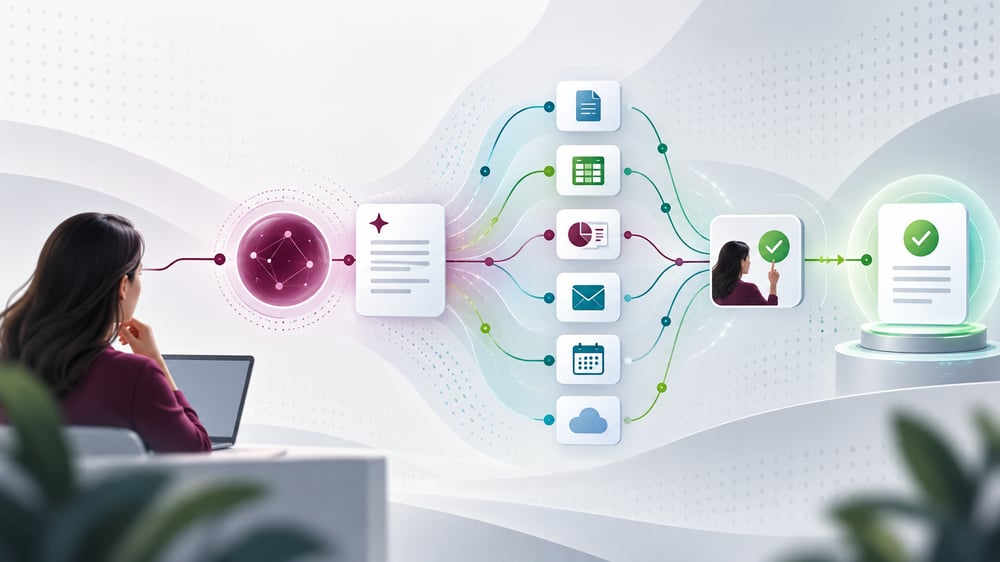
Microsoft 365 AI agents are AI systems that can reason over work context, use tools, and take multi-step actions across Microsoft 365 and connected business systems with varying levels of human oversight.
That makes them different from the first generation of generative AI tools.
The practical difference is execution: traditional AI assistance primarily generates or summarizes content, while agentic AI can plan steps, use tools, update files, and complete workflows on a user’s behalf.
|
Traditional AI Assistance |
Agentic AI |
|
Responds to individual prompts |
Can execute multi-step workflows |
|
Generates or summarizes content |
Can act directly in supported tools |
|
Relies on users to apply most outputs |
Can perform defined actions for users |
|
Governance centers mainly on user access |
Governance extends to agent identity, permissions and actions |
The result is digital labor that can complement human employees rather than simply provide another interface for generating information.
How Do Microsoft 365 AI Agents Work Across Microsoft 365?
Microsoft has embedded agentic capabilities directly into the applications and workflows employees already use.
On April 22, 2026, Microsoft announced general availability of agentic capabilities across Word, Excel, and PowerPoint. Copilot can perform multi-step, application-native work such as drafting and restructuring documents, building analyses in Excel, and updating presentations while users retain review and control.
Copilot Cowork extends agentic AI into longer-running work. Microsoft made Cowork generally available worldwide on June 16, 2026, positioning it for complex, multi-step tasks rather than simple question-and-answer interactions.
Work IQ supplies organizational context. Its APIs, also generally available beginning June 16, can give approved agents access to semantic context drawn from Microsoft 365 information such as email, calendars, meetings, chats, files, people, and connected business systems.
Together, these capabilities move Microsoft 365 Copilot closer to an operating environment where humans set objectives and AI can execute increasingly complex portions of the workflow.
What Is Microsoft Agent 365 and Why Does AI Agent Governance Matter?
Microsoft Agent 365 is Microsoft’s control plane for observing, governing, and securing AI agents across an organization.
Microsoft Agent 365 became generally available on May 1, 2026. Microsoft announced a standalone price of $15 per user per month at general availability. Microsoft 365 E7 also launched May 1 at $99 per user per month and combines Microsoft 365 E5, Microsoft 365 Copilot, Agent 365, Microsoft Entra Suite, and additional security capabilities.
This matters because digital labor can multiply much faster than a human workforce. Employees can create agents, departments can deploy specialized agents, and outside vendors can introduce agents into the same environment.
As agents gain access to business data and tools, organizations need clear ownership, scoped permissions, monitoring, auditability, and lifecycle controls for every agent they deploy.
Microsoft Agent 365 provides a centralized agent registry, while Microsoft Entra Agent ID extends identity and access management to agents. Microsoft also provides administrative reporting that can show active agents, users, activity, and consumption.
That makes AI agent governance an operational discipline, not simply an AI policy exercise.
Who Should Prioritize AI Agent Governance?
AI agent governance is especially important for organizations with distributed operations, regulated data, lean internal IT teams, or existing challenges with application and vendor sprawl.
For mid-market organizations, the risk is often not a lack of AI ambition. It is adoption moving faster than visibility and control. A department may automate a workflow successfully while IT lacks a complete view of the agent’s permissions, data sources, dependencies, owner, or ongoing cost.
Deploying Microsoft 365 AI agents safely therefore requires security, IT operations, compliance, and business ownership to remain connected rather than managed in separate silos.
How Should IT Leaders Prepare for Digital Labor?
Start with one high-value, bounded workflow, confirm the data and permissions are ready, define human approval points, and measure business value before expanding autonomy.
A practical rollout should focus on four areas:
- Assess readiness. Review identity, permissions, data hygiene, security controls, licensing, and existing Microsoft 365 governance before giving agents broader access.
- Choose the workflow, not the technology. Prioritize repetitive, multi-step processes with clear inputs, outputs, owners, and measurable business value.
- Set the autonomy level. Decide what an agent can complete independently, what requires human approval, and what should remain human-led.
- Govern the lifecycle. Maintain an inventory, assign ownership, monitor activity and cost, review permissions, and retire agents that no longer have a valid business purpose.
For organizations that need help preparing the environment, Logically’s M365 Copilot Adoption Framework emphasizes readiness, governance, role-based adoption, and measurable value. Logically’s AI Transformation services also address Shadow AI, Microsoft Copilot readiness, governance, and secure AI adoption.
What Is the Next Step for Microsoft 365 AI Agents?
Microsoft’s move toward digital labor changes the question for IT leaders. The challenge is no longer simply whether employees should use AI. It is how the organization will securely manage AI systems that can increasingly act.
Organizations that establish AI agent governance early can expand automation with clearer accountability, stronger security, and greater confidence in where agents are operating and what they are allowed to do.
If your organization is evaluating Microsoft 365 AI agents, start by assessing Microsoft 365 readiness, identifying one measurable workflow, and establishing governance before autonomy expands. Logically can help evaluate the environment, define the right controls, and build a secure path from experimentation to governed AI adoption.
By Logically Microsoft Expert, Ryan Thompson
FAQ
What are Microsoft 365 AI agents?
Microsoft 365 AI agents are AI systems that can reason over work context, use tools, and take multi-step actions across Microsoft 365 and connected business systems with varying levels of human oversight.
How are AI agents different from traditional Copilot assistance?
The practical difference is execution: traditional AI assistance primarily generates or summarizes content, while agentic AI can plan steps, use tools, update files, and complete workflows on a user’s behalf.
What is Microsoft Agent 365?
Microsoft Agent 365 is Microsoft’s control plane for observing, governing, and securing AI agents across an organization.
Why does AI agent governance matter?
As agents gain access to business data and tools, organizations need clear ownership, scoped permissions, monitoring, auditability, and lifecycle controls for every agent they deploy.
How should an organization start deploying AI agents?
Start with one high-value, bounded workflow, confirm the data and permissions are ready, define human approval points, and measure business value before expanding autonomy.